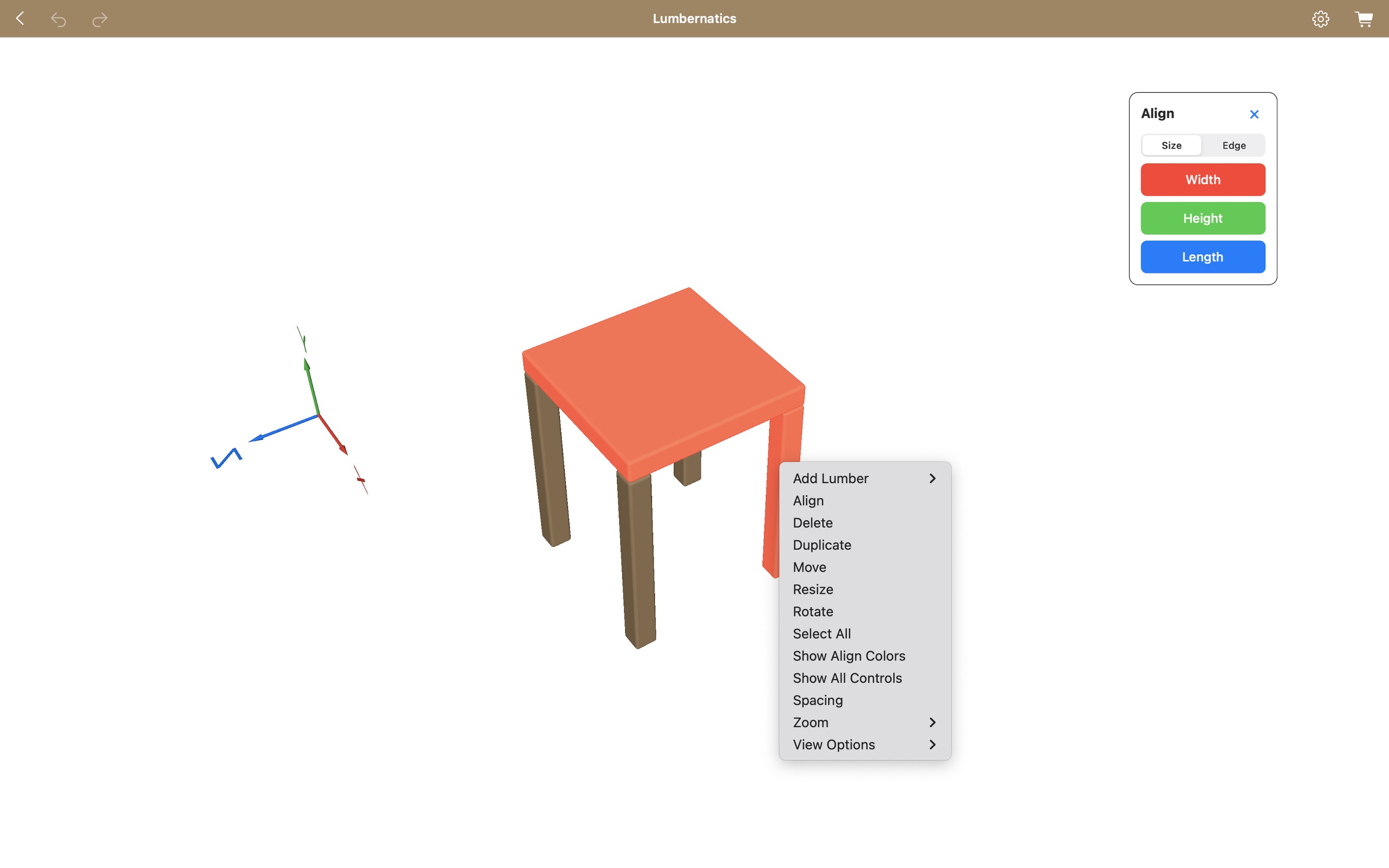
Alignment Tools
What are alignment tools?
Alignment tools in Lumbernatics help you arrange lumber pieces evenly, ensuring uniform spacing and dimensions in your projects.How do I choose alignment by size or edge?
Determine whether you want to align by size or by edge:- Align by Size: Adjust width, height, and length to match a uniform dimension.
- Align by Edge: Arrange components while maintaining original dimensions. Options include min x, max x, min y, max y, min z, and max z. Use the axis markers for reference.
How do I use alignment tools across different platforms?
- 3D Editor: Select all the lumber pieces you wish to align, choosing the one to align to as the last selection.
- iPhone/iPad: Long press to launch the menu and choose an alignment option.
- Mac: Right click to access alignment options.