Regardless of whether you’re working in 2D or 3D, you can simply pinch on the canvas—similar to zooming in and out on a map—to quickly adjust your view.
This gesture provides a smooth and intuitive method for controlling the zoom level.---
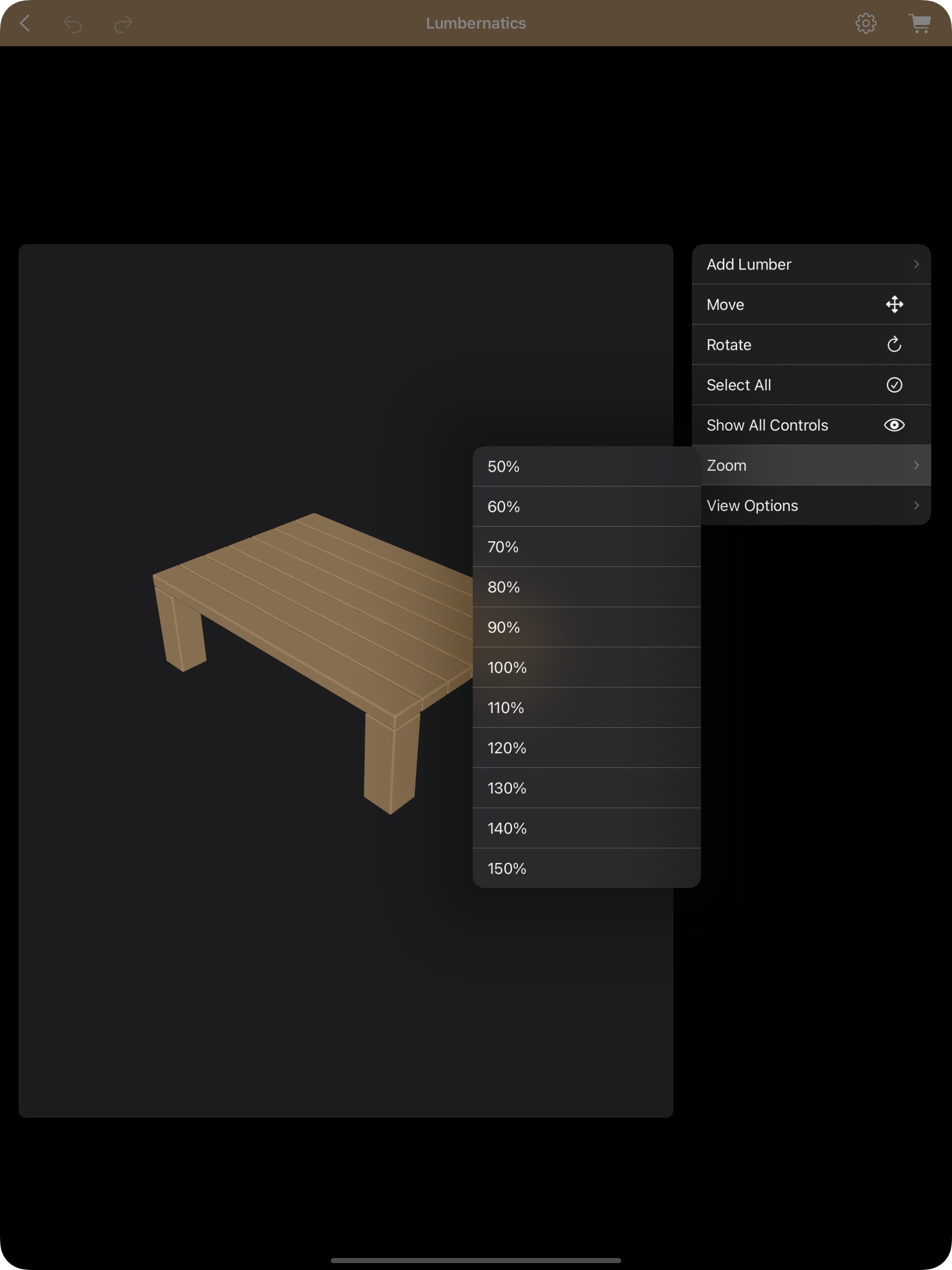
Additional Zoom Options in the 3D Editor
On iPhone and iPad:
Long press anywhere in the design area.
Select "Zoom" from the contextual menu to activate the zoom function.
On Mac:
Right-click within the design view.
Choose "Zoom" from the contextual menu.
---
Additional Zoom Options in the 2D Editor
Via the Settings Menu:
Tap the Settings icon.
Select "Zoom" to control the zoom level.
These flexible zoom controls ensure you can closely inspect intricate details or get a wider overview of your design, making it easier to fine-tune your woodworking projects.